You can log in to your account on any page of the Native Instruments website by clicking the User icon in the upper right of the page and choosing Log in/Create Account:

TABLE OF CONTENTS
Profile
Edit personal information such as Name, Password, and add Addresses via the Profile page's Edit and Add functions.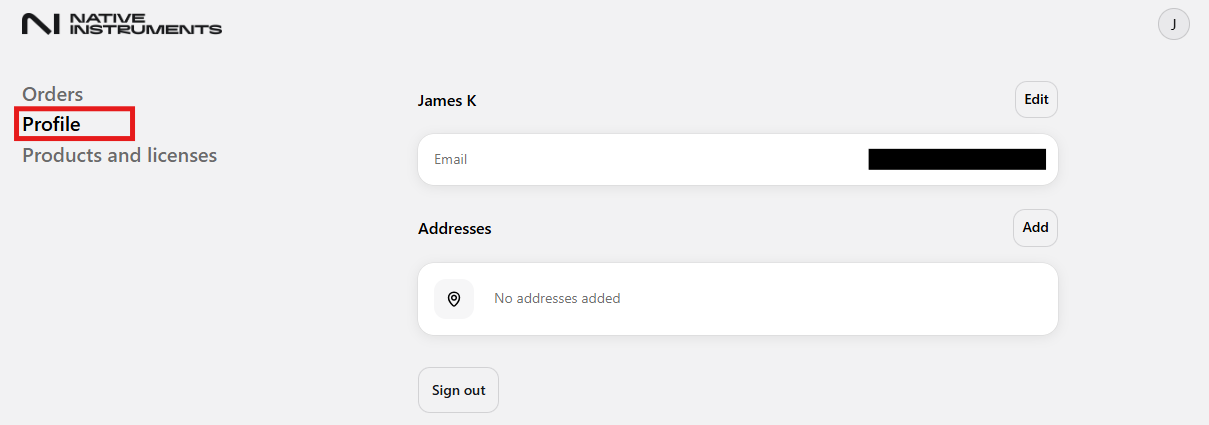
Orders
If you purchased a product via the Native Instruments website. The product and order will be shown here.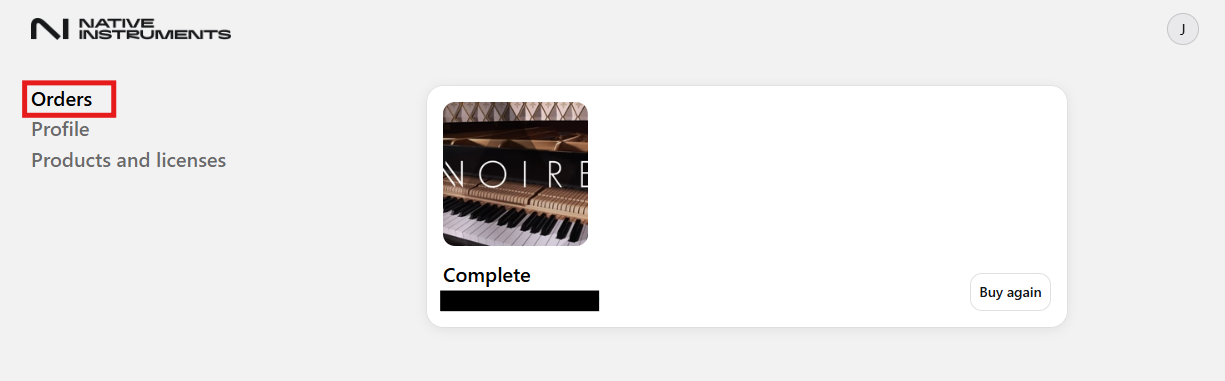
Selecting the product/order will show the product/order's Reference Number, Order Date, Order Total and Status will be displayed here.
Please see the example below for reference: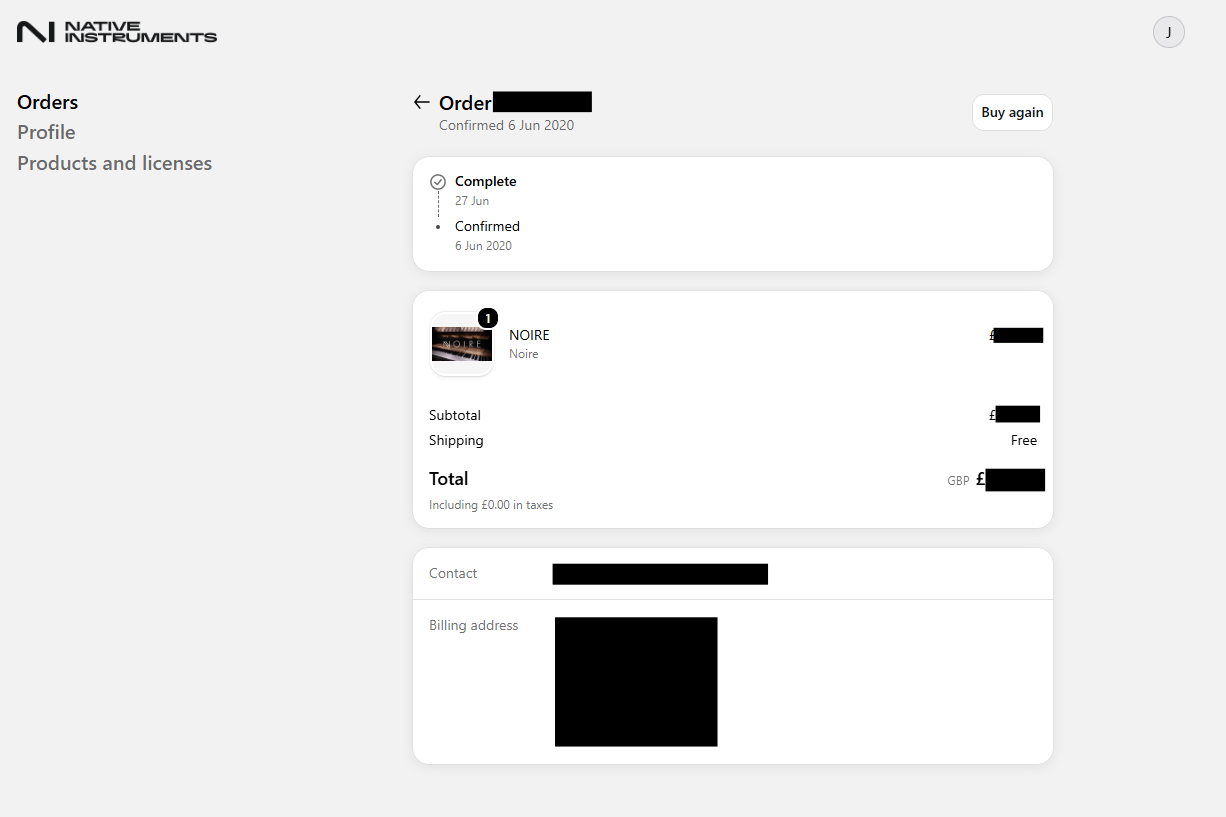
Products & Licenses
This area displays all your Products and their License Type, and allows you to manage your licenses and subscriptions.
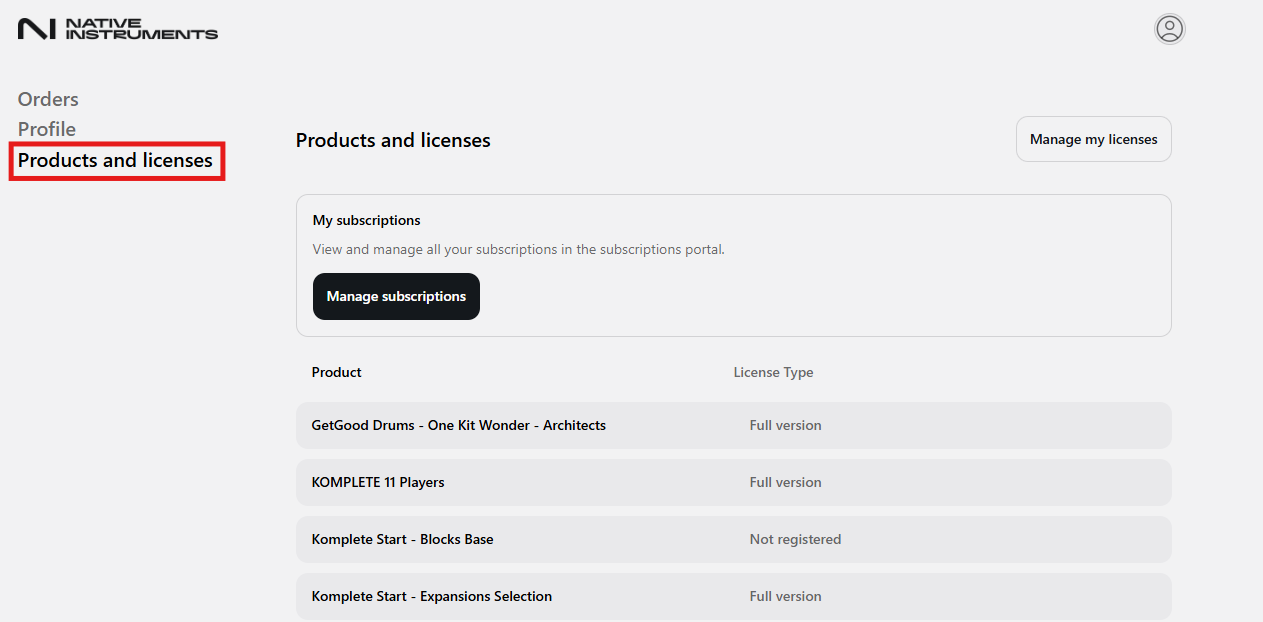
To download your products, scroll to the bottom of the page and select the Native Access link under the Need more support? section.
If Native Access is already installed on your computer, you do not have to install it again. You can simply run the application.
Note: Some older products from Native Instruments may not be available for download with Native Access.
Manage Subscriptions
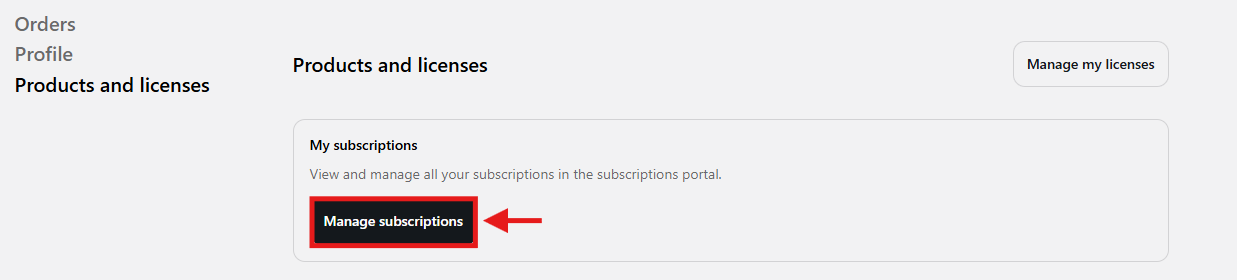
Here you can manage all your subscription settings. It's possible to change your payment details, cancel or restart your subscription, and download your invoices. Just click on Manage Subscriptions:
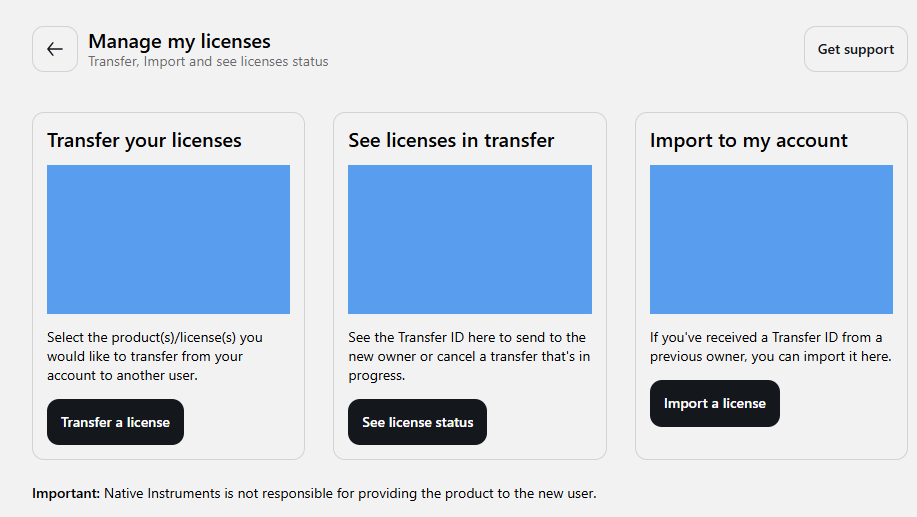
Manage my licenses
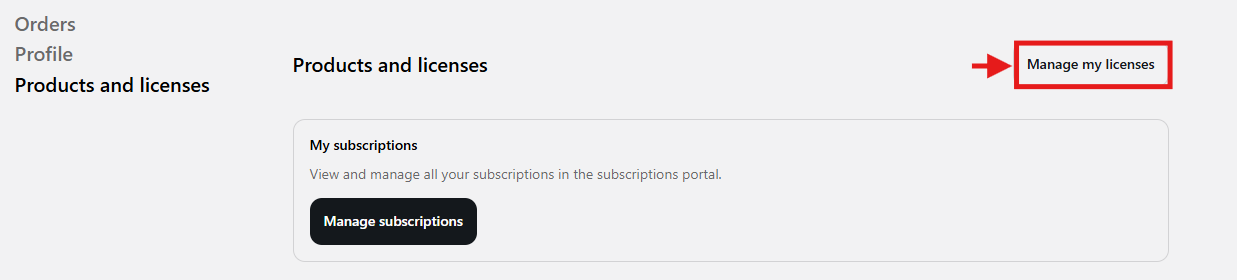
If you want to sell your Native Instruments product, you may remove it from your account and transfer its license to another user.
If you are the new owner of the product, you can import the license into your account in this website section.
You can also access your 'Licenses in Transfer' with the respective Transfer IDs.