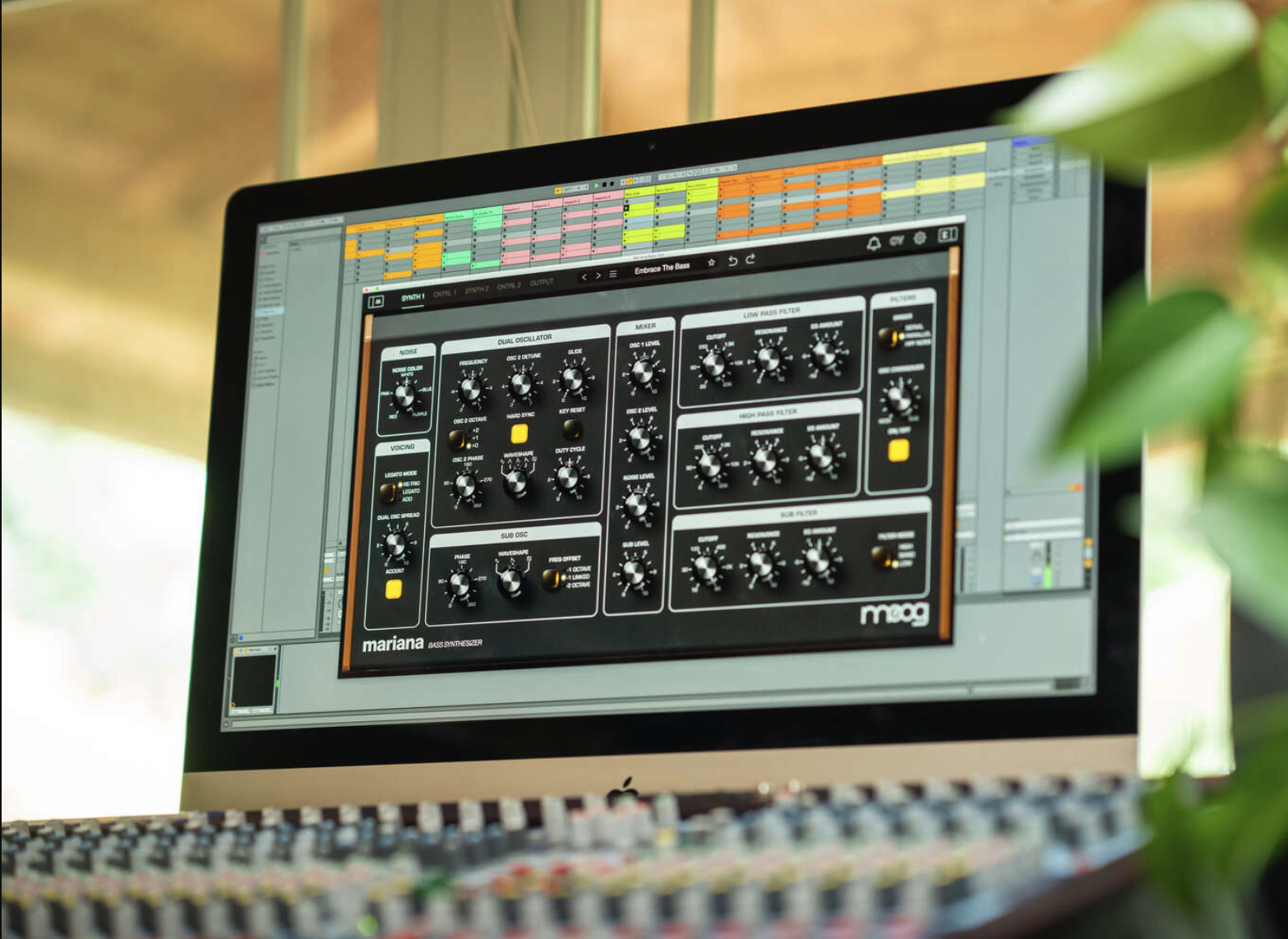
Moog Mariana allows you to create and customize your own presets. In this guide, we’ll show you how to save your custom presets and where to find them later within the plugin.
TABLE OF CONTENTS
Save a Custom Preset
- At the top of Mariana, select the Save (disk) icon.

- Enter a name for your preset when prompted.
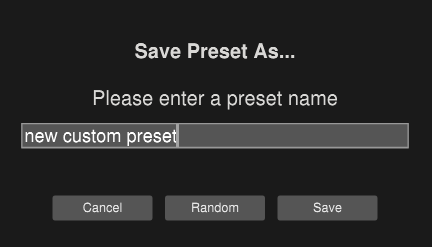
- The preset will be saved automatically to your system.
Find Your Custom Presets
You can access your saved presets in two ways:
Option 1: Preset Browser
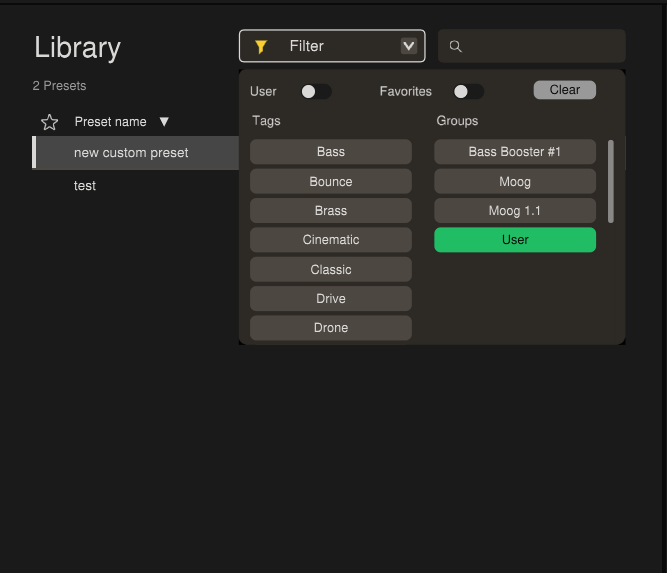
- Open the preset window.
- Navigate to Groups.
Find the newly created folder User.
Option 2: Master Library
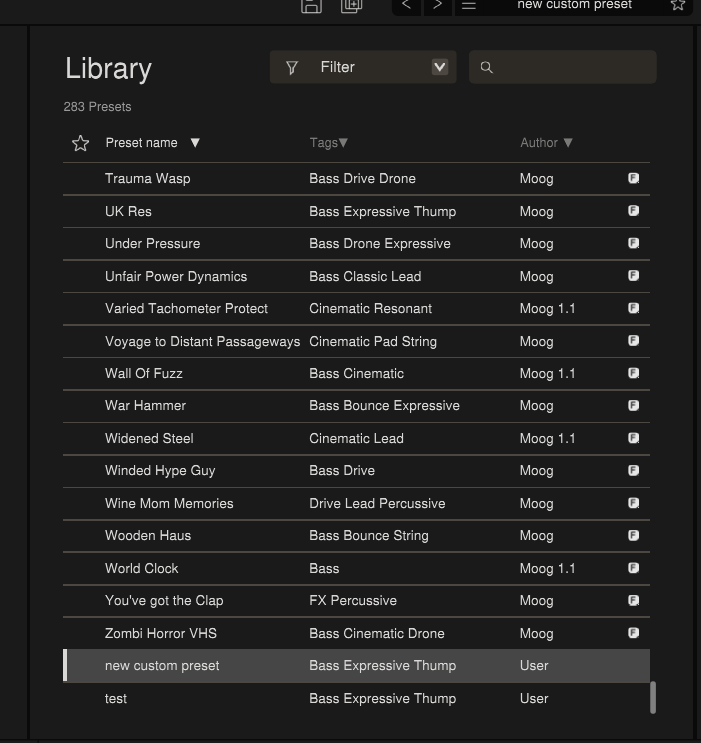
Your preset will also appear in the main library view alongside other presets. They are organized depending on the Name, Tag(type of synth), or Author!