
When launching the Native Instruments service application Controller Editor while your NI controller is connected, the following error message may be displayed:
The Native Instruments Hardware Controller Support is not running.
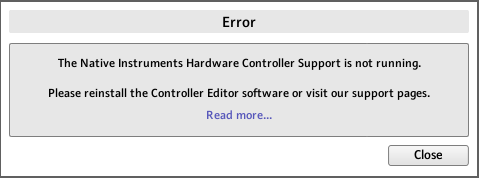
To resolve this issue, please reinstall Controller Editor as explained below:
- Download the latest version of the Controller Editor from the Drivers & Other Files page on our website.
Note: If you own the legacy devices Audio Kontrol 1, Kore 1, Kore 2, or Rig Kontrol 3, please install Controller Editor version 1.7.4 instead. - Disconnect all NI controllers from the computer and restart it.
- Quit all running audio applications.
- Run the installer for the Controller Editor version that you downloaded.
- When the installation is completed, restart your computer.
- Connect your NI controller to the computer.
Your Native Instruments controller should now start up correctly.