
Symptom
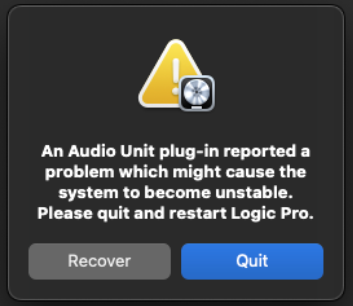
When loading an NI plug-in in Logic Pro, an error message appears stating:
An Audio Unit plug-in reported a problem which might cause the system to become unstable. Please quit and restart Logic Pro.
Solution
While our developers are working with Apple to find a solution as fast as possible, the following workaround will allow you to open your NI plug-ins in Logic as normal:
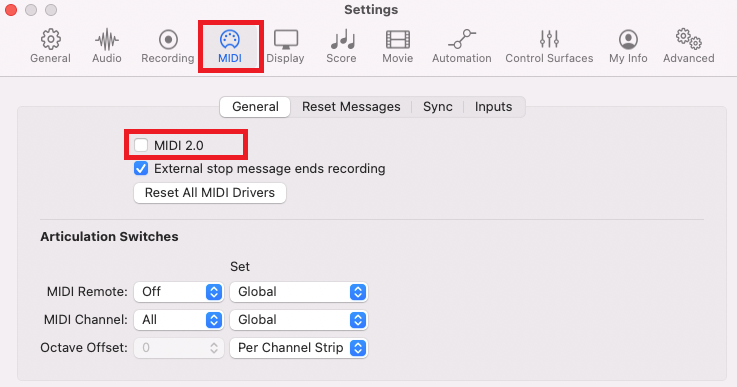
- Navigate to Logic Pro > Settings (or Preferences) > MIDI
- Uncheck the box MIDI 2.0.
That's it. You will now be able to load your NI plug-ins in Logic.