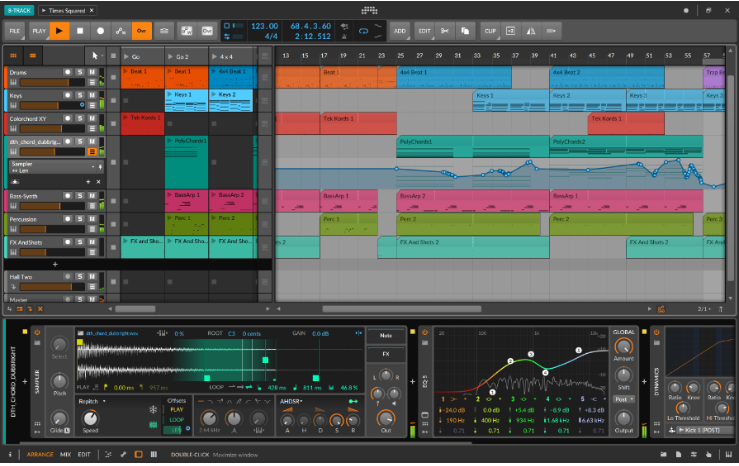
Please follow these steps to install Bitwig Studio 8-Track. You will need the Bitwig Studio 8-Track license serial you have received via email:
1. Go to https://www.bitwig.com/8-track/
2. Download Bitwig Studio for macOS or Windows.
3. Start the Bitwig Studio installer and follow the on-screen instructions.
4. Once installed, start the program and log in to your user account (or create one if needed).
5. When asked, enter your Bitwig Studio 8-Track license serial provided to you via email.
If you encounter any issues, feel free to refer to the documentation provided with Bitwig or contact Bitwig support for further assistance