Symptom
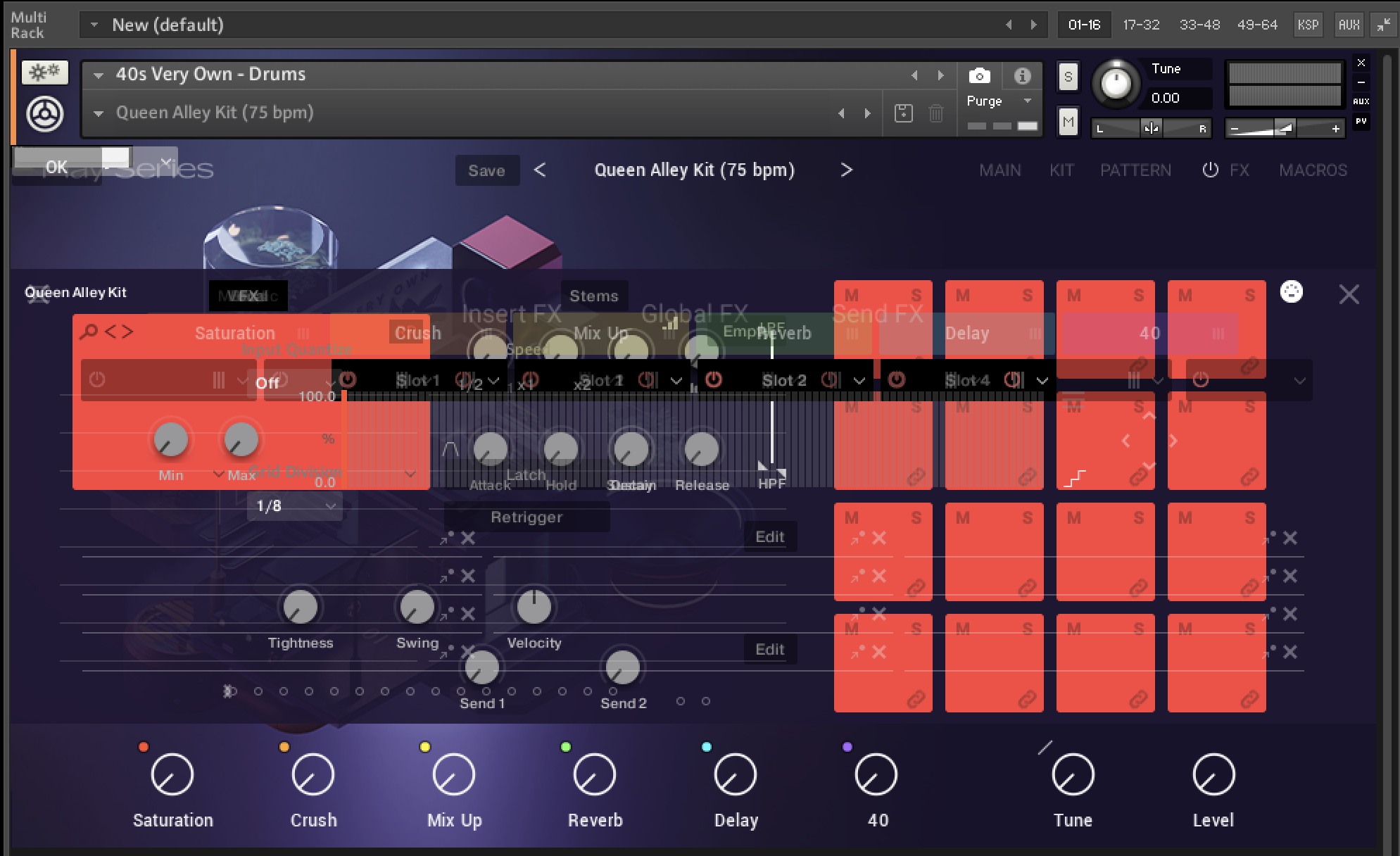
When loading a library in Kontakt, the graphical user interface (GUI) is broken. This happens both in standalone mode and when using the Kontakt plug-in in a DAW.
Cause
The standalone version of Kontakt requires the assignment of an active audio interface in the setup. If you load Kontakt as a plug-in, the DAW must also be set up with an active audio interface.
Solution
Kontakt as a plug-in in your DAW:
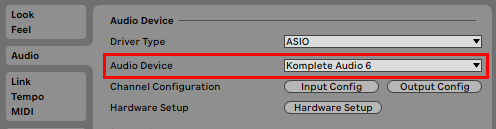
- Open your DAW's audio settings.
- Make sure to select an active audio device / interface. Here we show Ableton Live:
Kontakt (standalone):
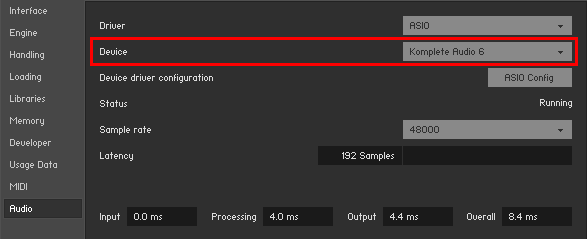
- Start Kontakt standalone and open Options > Audio.
- Select an active audio interface as Device.