
When entering your serial number in Native Access in order to activate it, you may encounter the following error message:
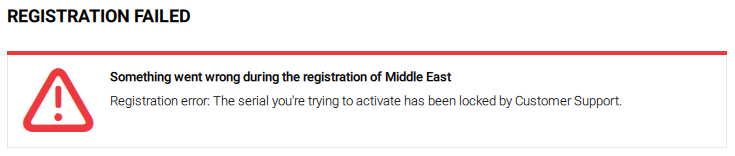
There can be two reasons for this:
- You received a hardware replacement, and the serial number from the original unit has now been locked. In this scenario, please use the new serial number included with the new product's packaging. This will be the correct serial number to register and use moving forward.
If you already registered the replacement device, you can find its serial number in your NI Account. - If the product you want to activate is from a third-party developer (e.g. Traktor Pioneer Edition, Heavyocity Kontakt Libraries, etc.) please contact the third-party developer directly to obtain more information and release the lock.