
After your purchase, you will receive an order confirmation by e-mail. This e-mail includes your redemption code for your Exponential Audio product.
The registration of Exponential Audio products requires an iLok account and the installation of iLok's License Manager.
Follow these steps to redeem your code and register your Exponential Audio products:
- Once you have received the confirmation e-mail, go to the iZotope website and log in with your iZotope account credentials or create an account (if you haven't already).
- Open the Downloads page and download and run the installer for your product.
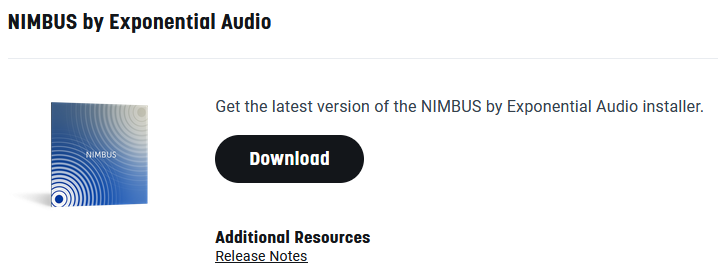
- Download and install the iLok License Manager installer.
- Launch iLok License Manager and log into your iLok account, then click the Redeem button in the top right corner of the application.

- Enter your Exponential Audio redemption code and click Next.
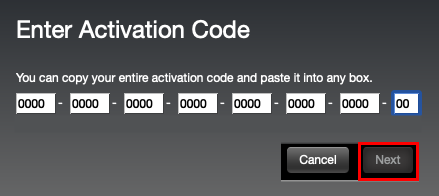
- After clicking Next, select your activation destination (connected iLok USB key, or computer) and click Activate.
- The activation location selection is not permanent. iLok License Manager allows you to deactivate and reactivate the license, should you wish to choose a different activation location. If you are activating to an iLok USB key, the key must be connected to your computer at this time.
- The activation location selection is not permanent. iLok License Manager allows you to deactivate and reactivate the license, should you wish to choose a different activation location. If you are activating to an iLok USB key, the key must be connected to your computer at this time.
- Click OK to confirm the activation. You should now be able to use your Exponential Audio plug-in within your DAW.
- If the product license is stored on an iLok USB key, the USB key must be connected to your computer in order for you to use your Exponential Audio software. If the USB key is disconnected, the plug-in will display a “missing license” message over the UI and its signal will be muted.