
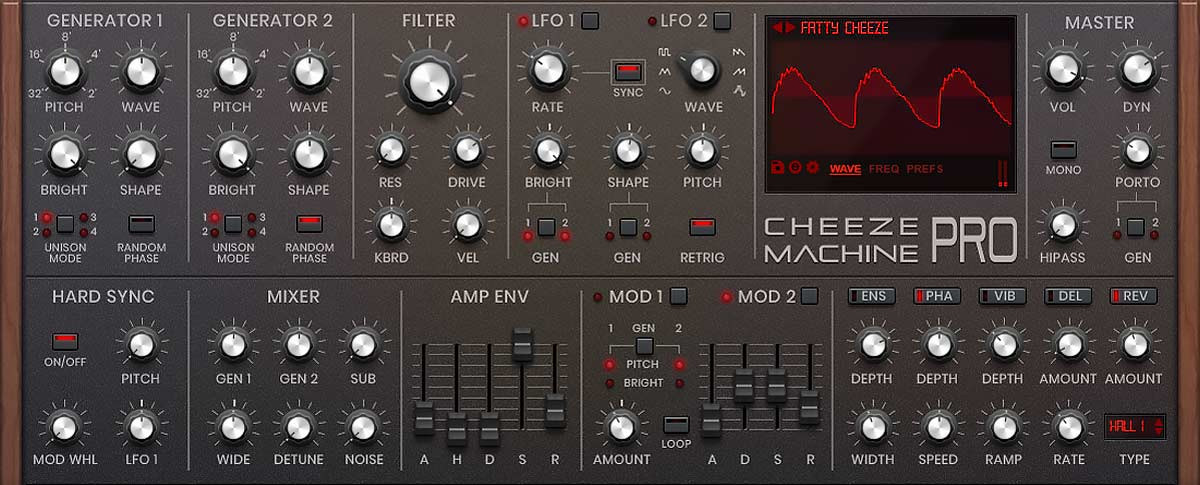
If you’re finding that Cheeze Machine Pro’s interface size appears fixed or doesn’t include visible scaling controls, the plugin does include size options that can be accessed through a contextual menu. This guide will show you how to locate and adjust the GUI size.
How to Adjust the GUI Size
- Load Cheeze Machine Pro in your DAW
- Open the Prefs tab inside the plugin
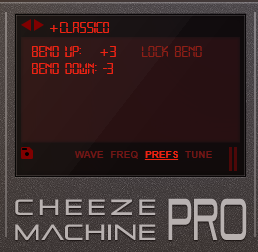
- Locate the “Bend Down” section
- Right-click (or click in the area just below the label)
- A menu will appear with available size options:
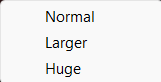
- Select your preferred size
The GUI size options are accessed through this contextual menu and may not be displayed as visible controls within the interface.