

Click the Export MIDI icon (star-and-bars) to export the track as a MIDI sequence. Once this is done, the icon will be red.
You can then click and drag the icon into your DAW, computer desktop or external storage device to copy it to that location.

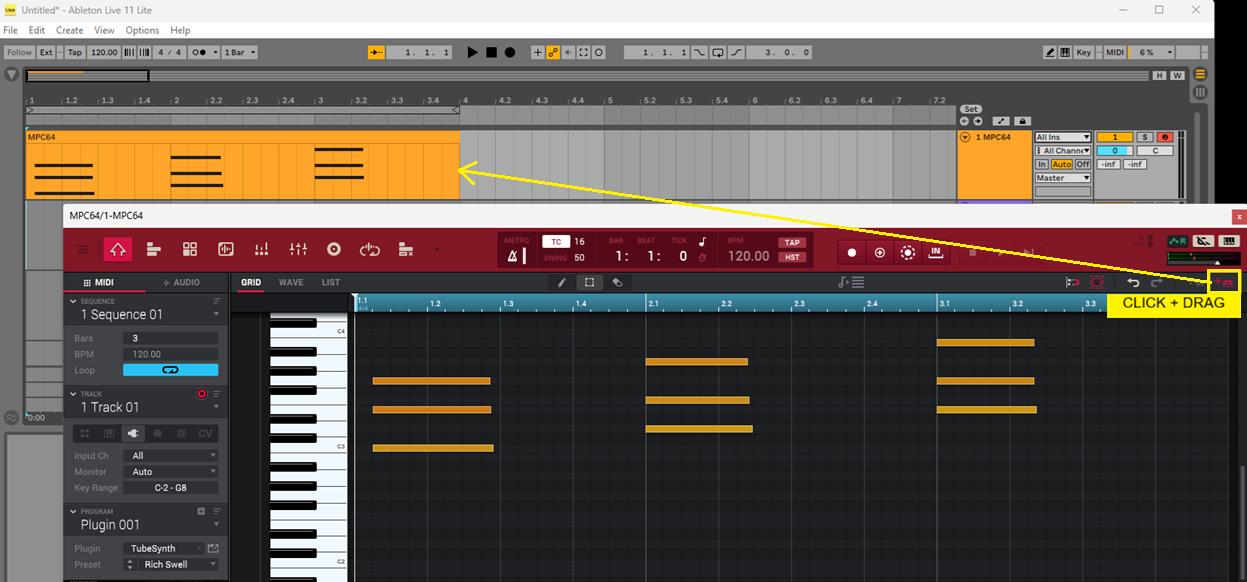
Press and hold Shift and click the icon to reset it to grey.
Refer to the Akai Pro Software | Training knowledgebase and the MPC Software User Guide to learn more useful tips and tricks!