
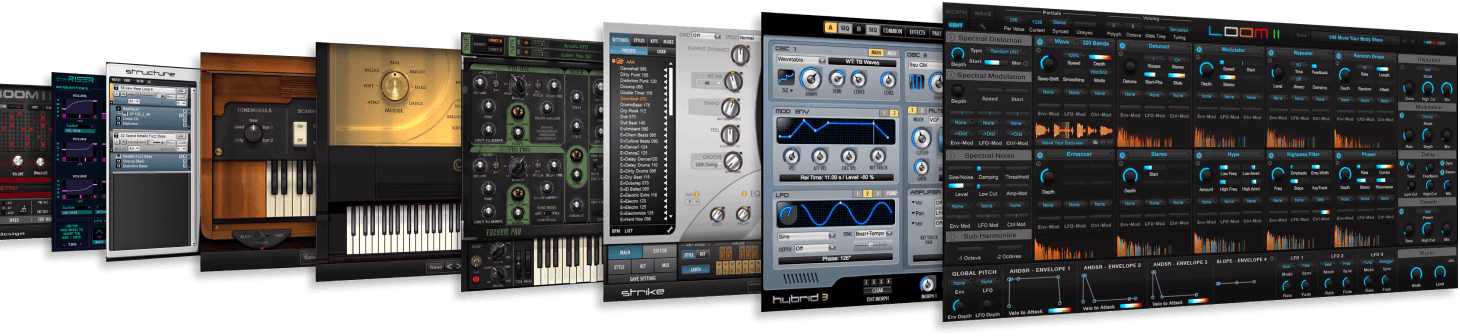
Knowing where AIR Music Technology plugins are stored on your computer is essential for troubleshooting or organizing your files. This guide covers the typical locations for these plugins on both macOS and Windows.
TABLE OF CONTENTS
- MacOS Plugin Locations
- Windows 11 Plugin Locations
- Custom Installation Paths
- Locating Plugins Within Your DAW
MacOS Plugin Locations
On macOS, plugins are typically stored in specific folders depending on the plugin format. Here’s where you can find them:
VST & VST2 Plugins:
- Location: Macintosh HD/Library/Audio/Plug-Ins/VST/
- You’ll find your Air Music Technology plugins inside the `VST` folder. This is the standard location for all VST plugins on a Mac.
VST3 Plugins:
- Location: Macintosh HD/Library/Audio/Plug-Ins/VST3/
- The VST3 format is stored in a separate folder from VST2 plugins. Your Air Music Technology plugins will be here if they support VST3.
Audio Units (AU) Plugins:
- Location: Macintosh HD/Library/Audio/Plug-Ins/Components/
- For AU format, which is commonly used in Logic Pro and GarageBand, the plugins are stored in the `Components` folder.
AAX Plugins (for Pro Tools):
- Location: Macintosh HD/Library/Application Support/Avid/Audio/Plug-Ins/
- If you’re using Pro Tools, the AAX versions of your Air Music Technology plugins will be stored in the Avid folder.
To quickly access any of these locations:
- Copy a location listed above for the appropriate plugin format
- Open Finder
- Press Command + Shift + G
- In Go to Folder, paste the file location and press Enter
Windows 11 Plugin Locations
On Windows, plugin locations can vary slightly depending on your setup, but there are default paths where Air Music Technology plugins are usually installed. Below highlights the typical default install locations:
VST & VST2 Plugins:
- 32-bit Locations:
- C:\Program Files (x86)\Steinberg\VSTplugins
- C:\Program Files (x86)\VstPlugins
- C:\Program Files (x86)\Steinberg\VSTplugins
- 64-bit Locations:
- C:\Program Files\Steinberg\VSTPlugins
- C:\Program Files\VstPlugins
- C:\Program Files\Common Files\VST2
- C:\Program Files\Steinberg\VSTPlugins
- Your Air Music Technology VST plugins will generally be found in one of these folders, depending on whether you are using the 32-bit or 64-bit versions.
The most common VST/VST2 install location is: C:\Program Files\Steinberg\VSTPlugins
- 32-bit Locations:
VST3 Plugins:
- Location: C:\Program Files\Common Files\VST3
- Similar to Mac, VST3 plugins are stored in a separate folder from VST2 plugins.
AAX Plugins (for Pro Tools):
- Location: C:\Program Files\Common Files\Avid\Audio\Plug-Ins
- If you’re using Pro Tools, the AAX versions of the plugins will be located here.
To quickly access any of these locations:
- Copy a location listed above for the appropriate plugin format
- Open File Explorer
- Click on the top bar to enter text

- Paste the location and press Enter
Custom Installation Paths
It’s worth noting that during installation, you may have chosen a custom directory to store your plugins. If that’s the case, you’ll need to navigate to that specific folder to find your Air Music Technology plugins.
Locating Plugins Within Your DAW
If you’re having trouble finding or loading a plugin within your DAW (Digital Audio Workstation), it may be helpful to rescan your plugin directories or check the plugin manager section of your DAW. Many DAWs allow you to manually add plugin paths if they aren't detected automatically.