
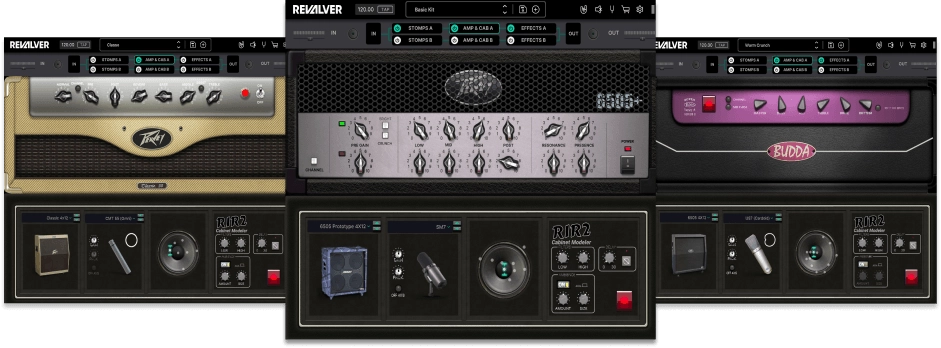
No - Revalver 5 is dedicated Amp Simulation software for Desktop / macOS & Windows, now included with HeadRush Prime, Core, & Flex Prime hardware.
HeadRush Prime, Core, and Flex Prime | How to Redeem Your Copy of Revalver
HeadRush Prime, Core, & Flex Prime include a Software Editor with firmware update version 4.0, making tweaks to your setup via a Mac, PC, or tablet via the built-in Wi-Fi connection without any software downloads necessary.
Note: For best results, we recommend using a computer or tablet with a 7” or larger screen, and using the native
web browser for that device (e.g., Microsoft Edge for Windows-based devices, Safari for macOS/iOS-based
devices, or Google Chrome for Android-based devices). You may find that other browsers are incompatible with
the Remote Editor web UI.
To access the Remote Editor for Prime, Core, or Flex Prime:
- On your Prime, Core, or Flex Prime, tap the Menu icon in the upper-left corner of the Main screen, and then tap Global Settings.
- Select the Wi-Fi page on the left side of the screen, ensure that the Wi-Fi is set to On, and then connect to your local network.
- Once you have connected, set the HeadRush Remote setting on the Wi-Fi page to On.
- On your computer, tablet, or other external device (connected to the same Wi-Fi network), open a web browser and enter headrushflexprime.local or the IP address shown on Flex Prime (for example, http://192.168.68.81) into the address field.