
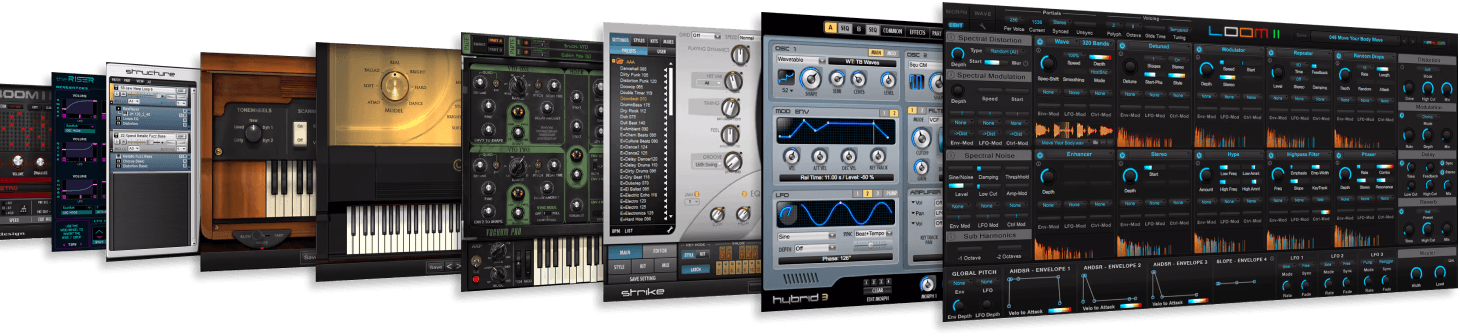
AIR Music Tech Plug-ins and Virtual Instruments have been a staple for many users over the years. Pro Tools users may find that certain AIR plug-ins are missing the Pro Tools AAX format. This is due to Avid curating the AAX builds for these titles within their Avid Link installer.
TABLE OF CONTENTS
- AIR Plug-ins Missing for Pro Tools
- Accessing the AIR Plug-ins for Pro Tools
- I can’t see my AIR Plugins in Avid Link. What should I do?
AIR Plug-ins Missing for Pro Tools
Below is a list of specific AIR titles that don't have an AAX install available via the inMusic Software Center.
Accessing the AIR Plug-ins for Pro Tools
To access the AAX versions of these plug-ins for Pro Tools, you will need to download and install these titles via Avid Link.
Please use the steps below to locate and install the AIR plug-ins in Avid Link, follow the steps below:
- Open Avid Link
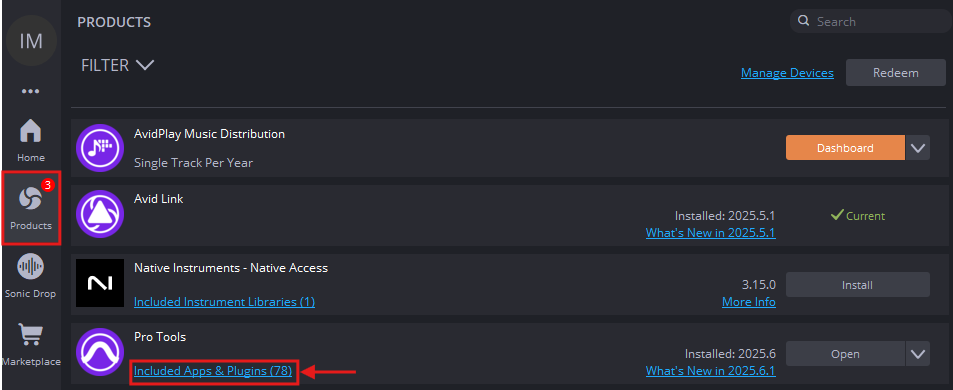
- Go to the Products tab
- Under Pro Tools - Open the Included Apps & Plugins menu
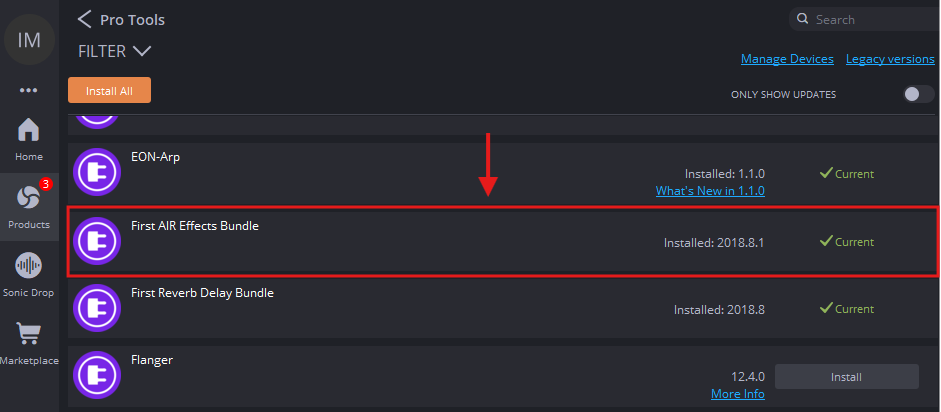
- Locate the AIR plug-ins and install
I can’t see my AIR Plugins in Avid Link. What should I do?
ProTools Artist subscription users may find that these plugins are missing from Avid Link.
Avid has changed their subscription model, whereby classic AIR AAX builds exclusive to Avid are available via ProTools Studio, Ultimate, or Avid's Complete Plugin Bundle Subscriptions.
If the plugins are missing, please contact Avid support and review your subscription model.
If you continue to encounter problems, please reach out to our customer support team for further assistance.